The Metalio E-Ink 4 is a pocket ebook reader with a 3.97-inch E Ink screen, an aluminium body and a touchscreen. It's made by the Chinese company Cloud Zao and sold in Europe by MechDIY, who sent me one to test. I've been using it as my everyday reader for a week and, a couple of things aside, I'm really enjoying it.
Regular readers will already know this kind of device: we've covered the Xteink X4 and the Xteink X3. The idea is the same: an e-reader the size of a small phone, always on you, ready to pull out instead of social media. The Metalio takes a different route, though: a metal body, touch and a richer interface, at the cost of a few extra millimetres.
Packaging: basic, and it shows
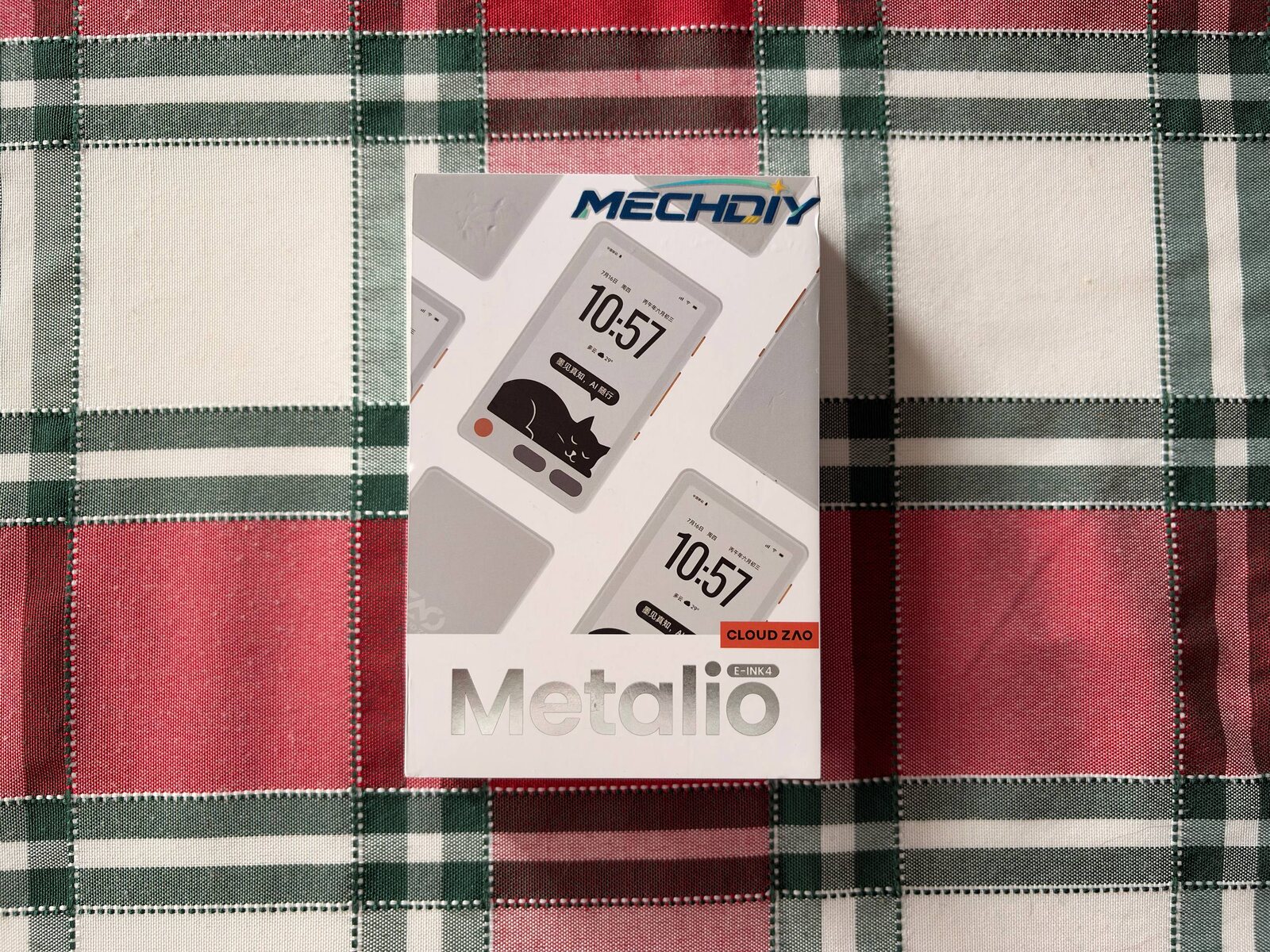
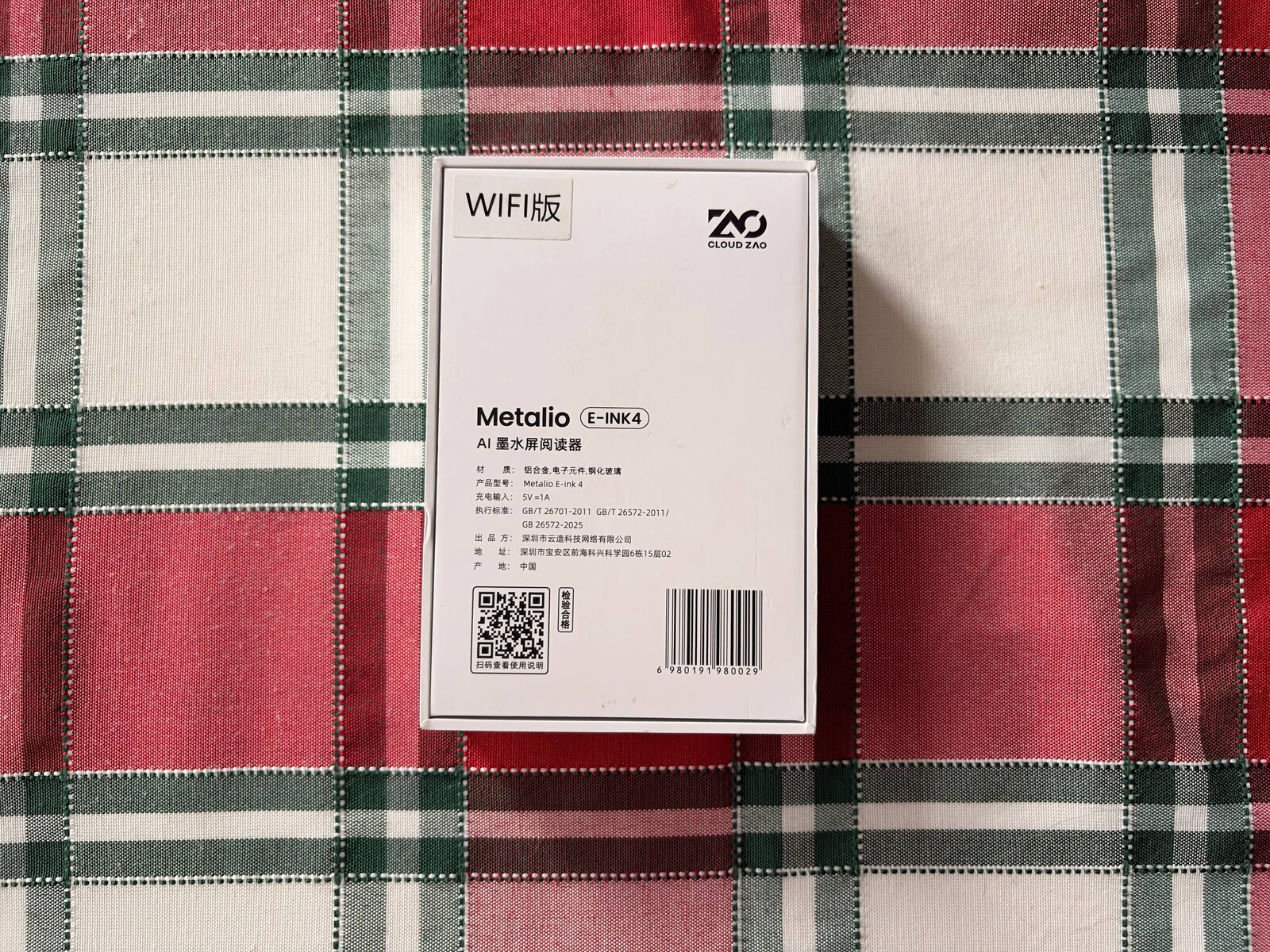
The box is simple: white card, the Metalio name in silver and a MechDIY sticker on top. On the back the details are in Chinese only, with a QR code that leads to the instructions. Nothing wrong with that, but if you're used to Kobo or Kindle packaging, this is a far more spartan welcome. Inside, thankfully, there are two accessories I started using straight away: a white silicone case with a raised circle pattern and a wrist strap made of white and red cord.
Design and materials: small, but the weight feels right
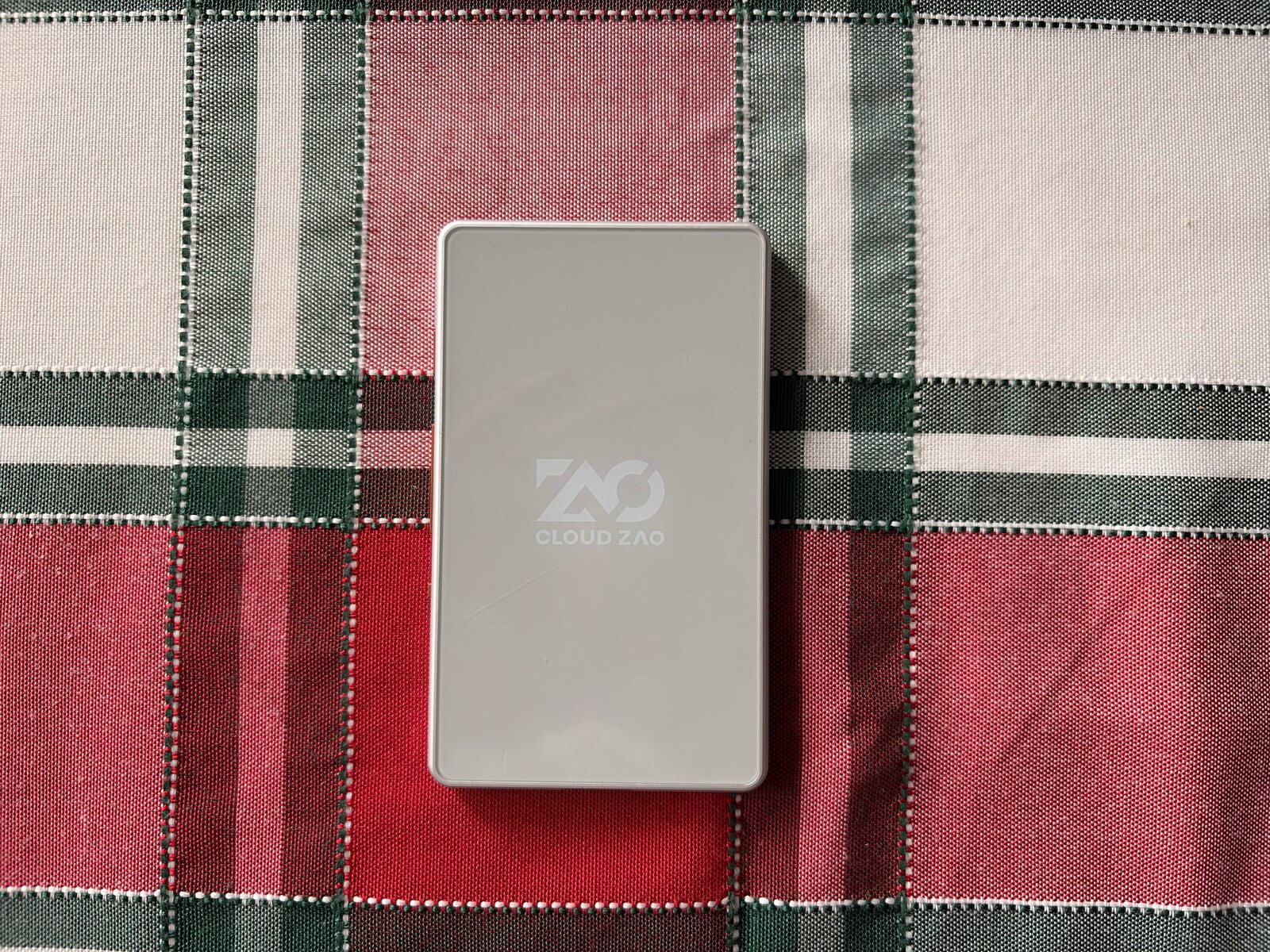
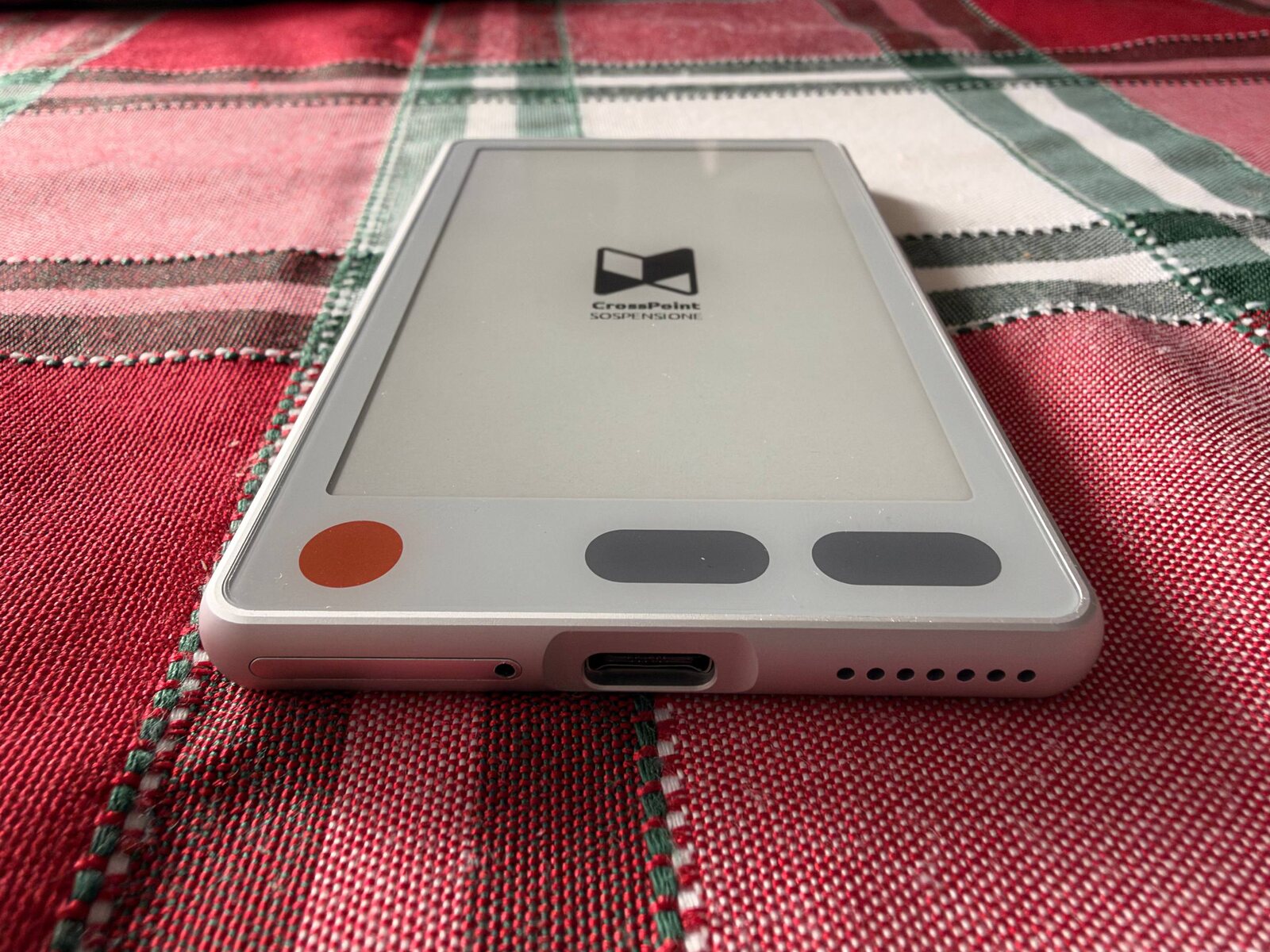
As soon as you pick it up you can tell it isn't a toy. The frame is aluminium alloy, the back is glass, and the device doesn't creak or flex. It measures 107 x 63.7 x 6.8 mm and weighs about 70 grams: it sits in your palm, it's comfortable to hold in one hand, and the slightly raised metal edge protects the screen when you put it down.
The weak point is the thickness. At 6.8 mm it's noticeably thicker than an Xteink, and you feel it more in a jeans pocket. In a small bag, a bum bag or a jacket pocket, on the other hand, it disappears, and that's where I ended up keeping it. Unlike the Xteink models, it also has no magnets: it won't attach to the back of your phone the way some rivals do. If you want something that becomes one with your smartphone, look elsewhere.
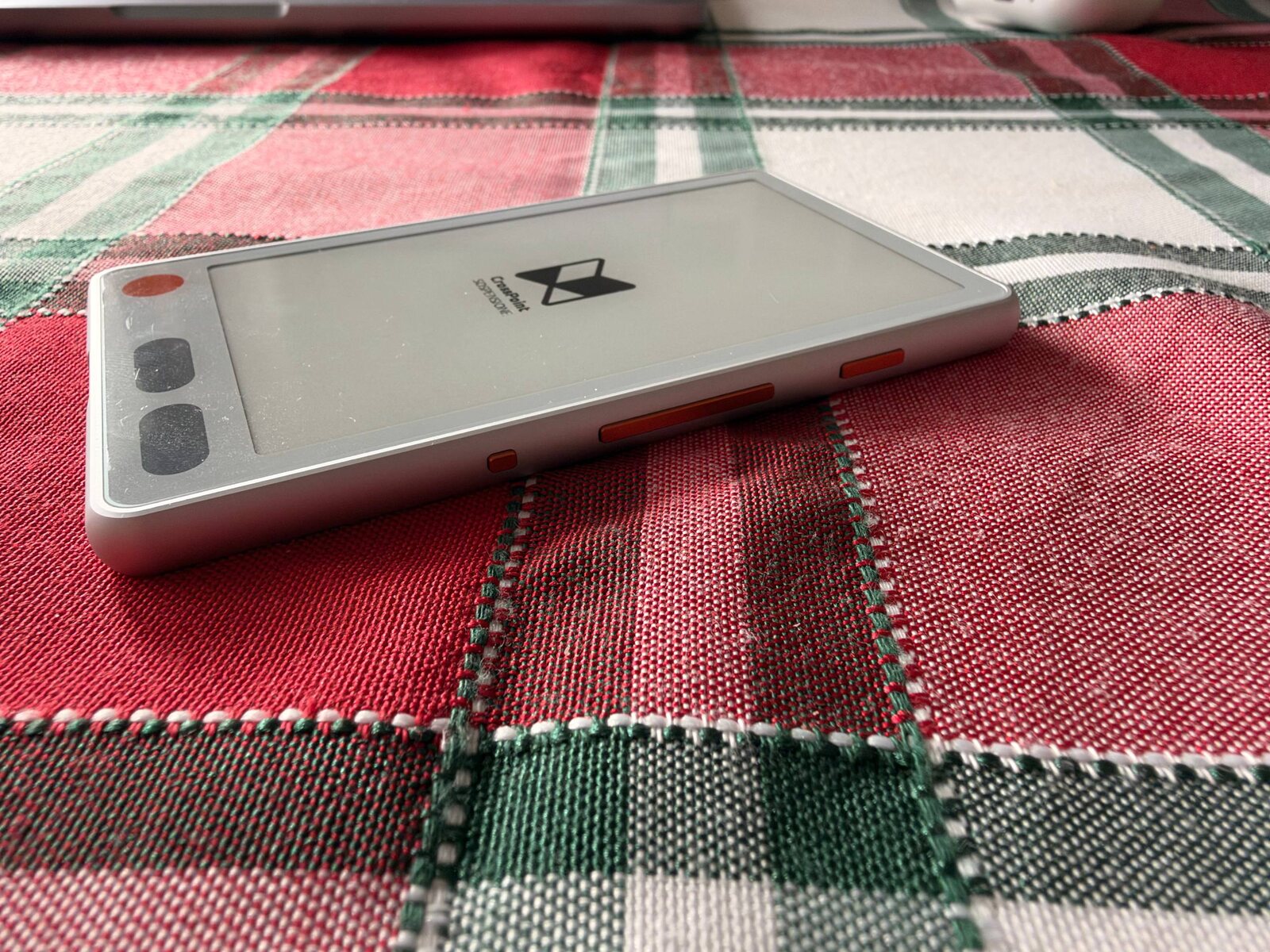
On the side are the orange physical buttons (power, confirm and volume); on the bottom, the USB-C port, the speaker and a microSD tray that opens with the usual pin. The card included is 16 GB, expandable up to 256 GB: room for thousands of books.
Screen: this is where the Metalio wins you over
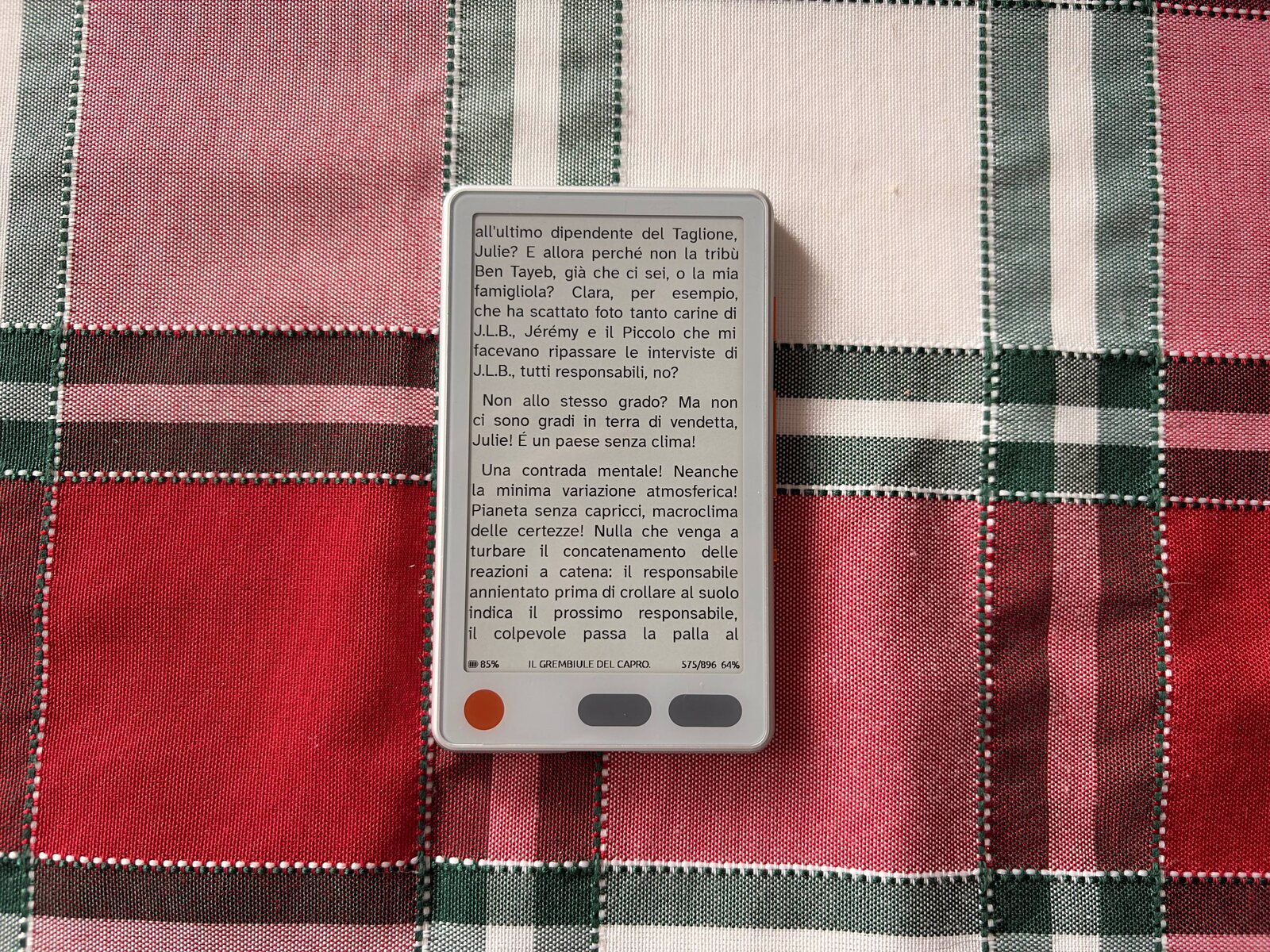
The panel is a 3.97-inch, 800 x 480 pixel E Ink display, which works out at roughly 235 pixels per inch. On paper that's not top of the range, but at this distance and with this diagonal the text is clean, the blacks are solid and greyscale covers look good. Reading on it is a pleasure, and in the end that's the only thing that really matters in an e-reader.
What's missing is a front light. The Metalio E-Ink 4 isn't lit, so in the dark, in bed or on an evening train you need an external light, exactly as with a paper book. During the day and with a lamp on I never noticed; if you mostly read in the dark, though, it's a limitation to factor in.
Touch and buttons: the trick is using both
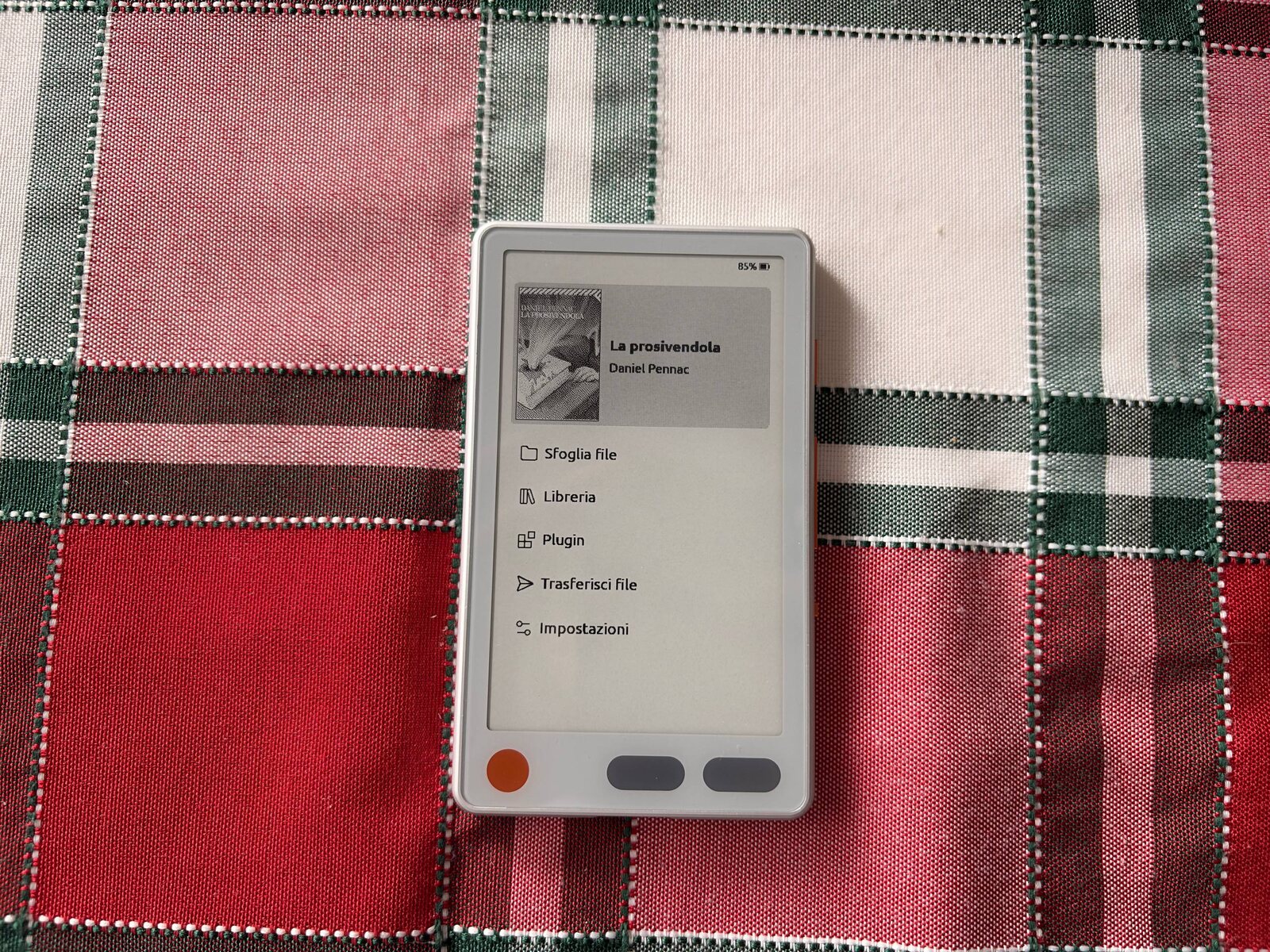
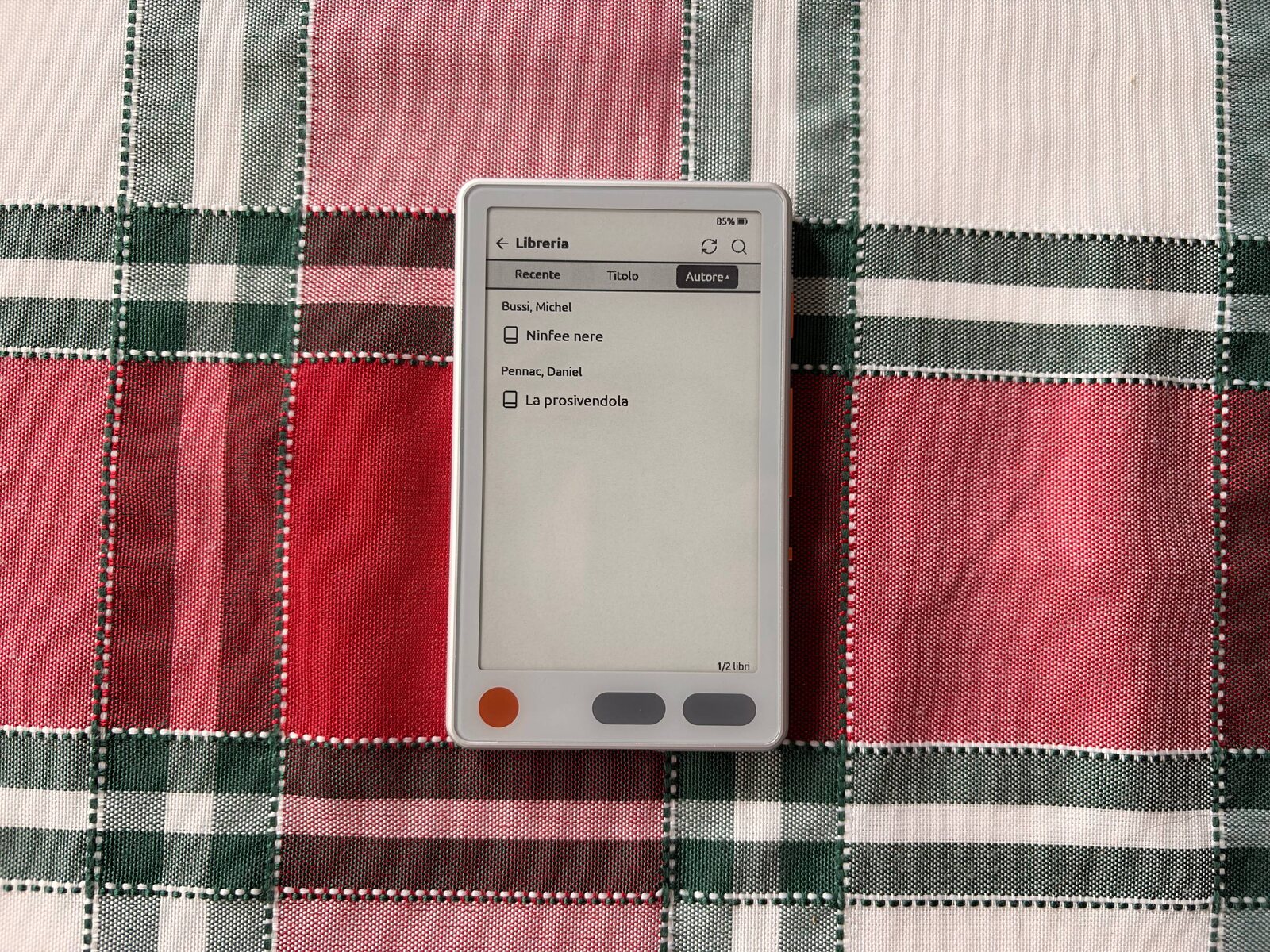
The screen is touch-sensitive, and under the glass there are three capacitive buttons: the orange circle and the two grey pills. On top of those come the physical buttons on the side. At first it feels redundant, then you find your own balance. Here's where I landed: I turn pages with the buttons, which are more precise and don't leave fingerprints on the text, and I use touch for menus and settings, where tapping the option directly is much quicker than stepping through a list one press at a time. Everything works, and you can do everything either way.
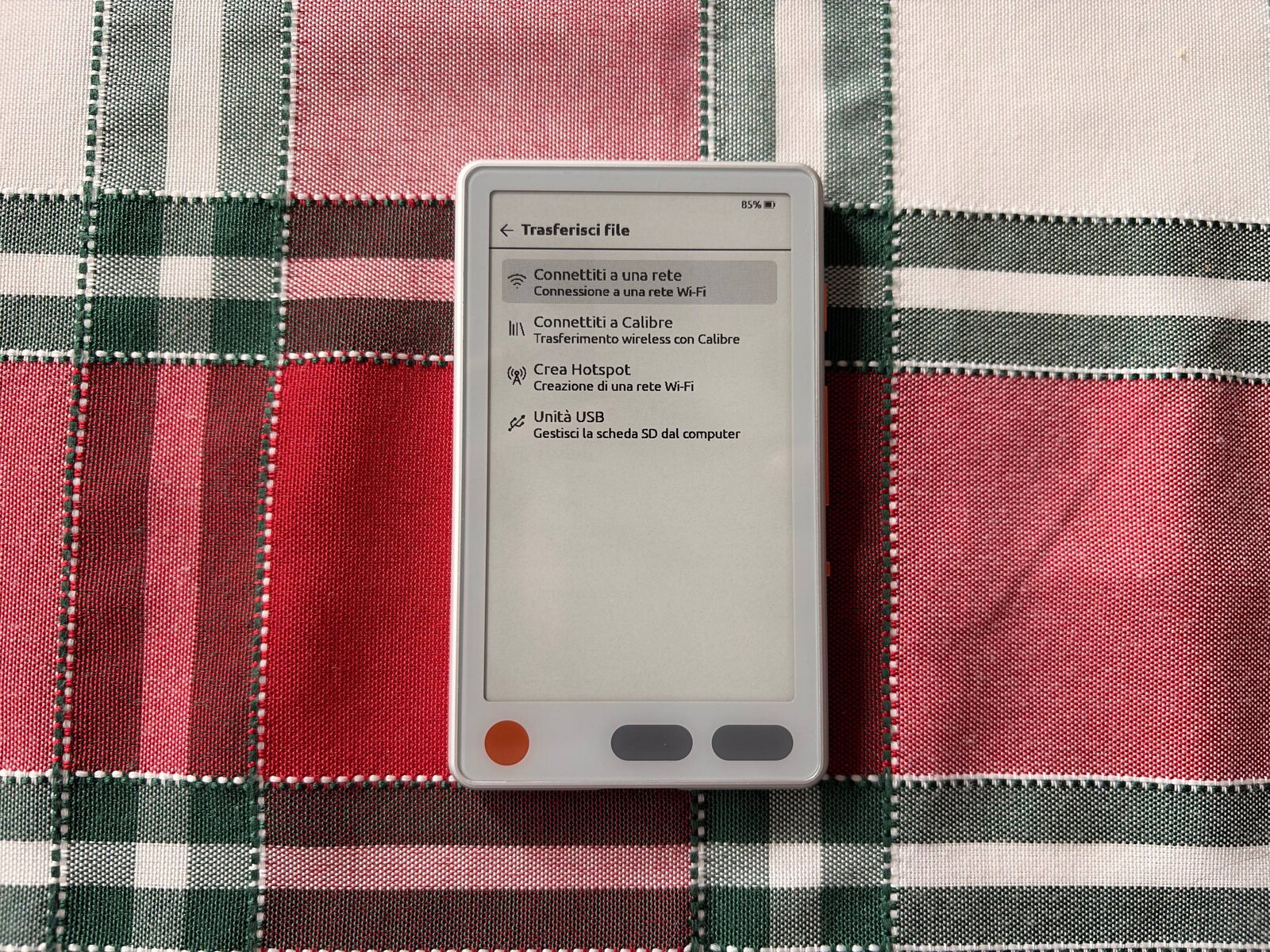
The menu is clear and fully translated (I use it in Italian): Browse Files, Library, Plugins, Transfer Files and Settings. In Settings you can change the font, size, margins and line spacing, and choose the screen orientation.
Software: CrossPoint and community plugins
The Metalio sold by MechDIY comes with CrossPoint Reader already installed. It's open-source firmware born in the pocket e-reader community, and since version 2.0 it officially supports the Metalio E-Ink 4. That's great news: it means frequent updates and development that doesn't depend on the manufacturer alone.
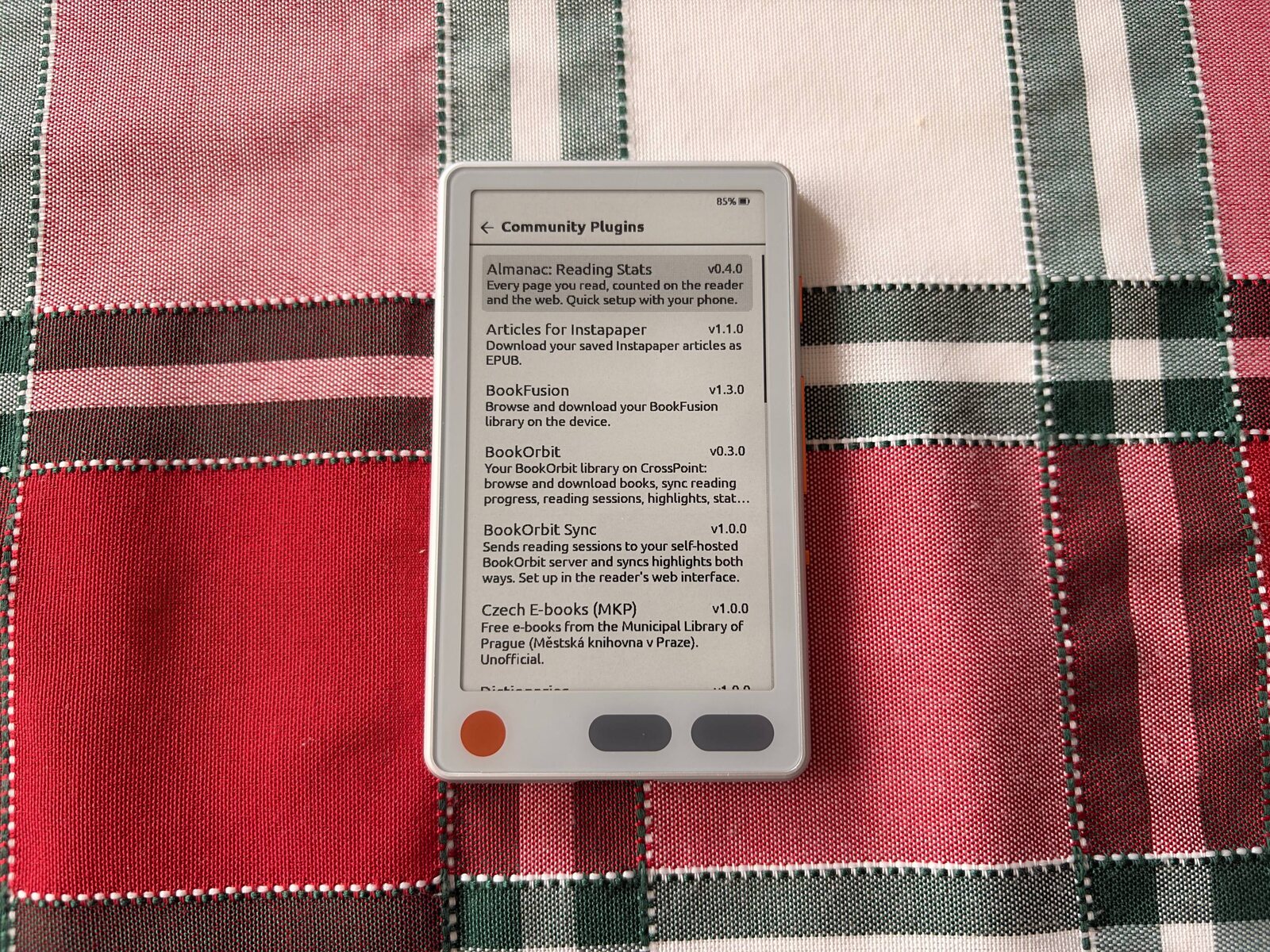
The section that surprised me most is plugins. You install them straight from the device and they're written by the community: there's Almanac for reading statistics, a plugin that downloads your saved Instapaper articles as EPUBs, connectors for BookFusion and BookOrbit, even a catalogue of free ebooks from a Prague library. It's the kind of openness you'll never see on a Kindle.
Getting books onto it is flexible too. You can load them:
- over Wi-Fi, from a browser, by connecting the reader to your home network;
- with Calibre wirelessly, which is the most convenient option if you already have an organised library;
- by creating a hotspot from the device, when there's no network around;
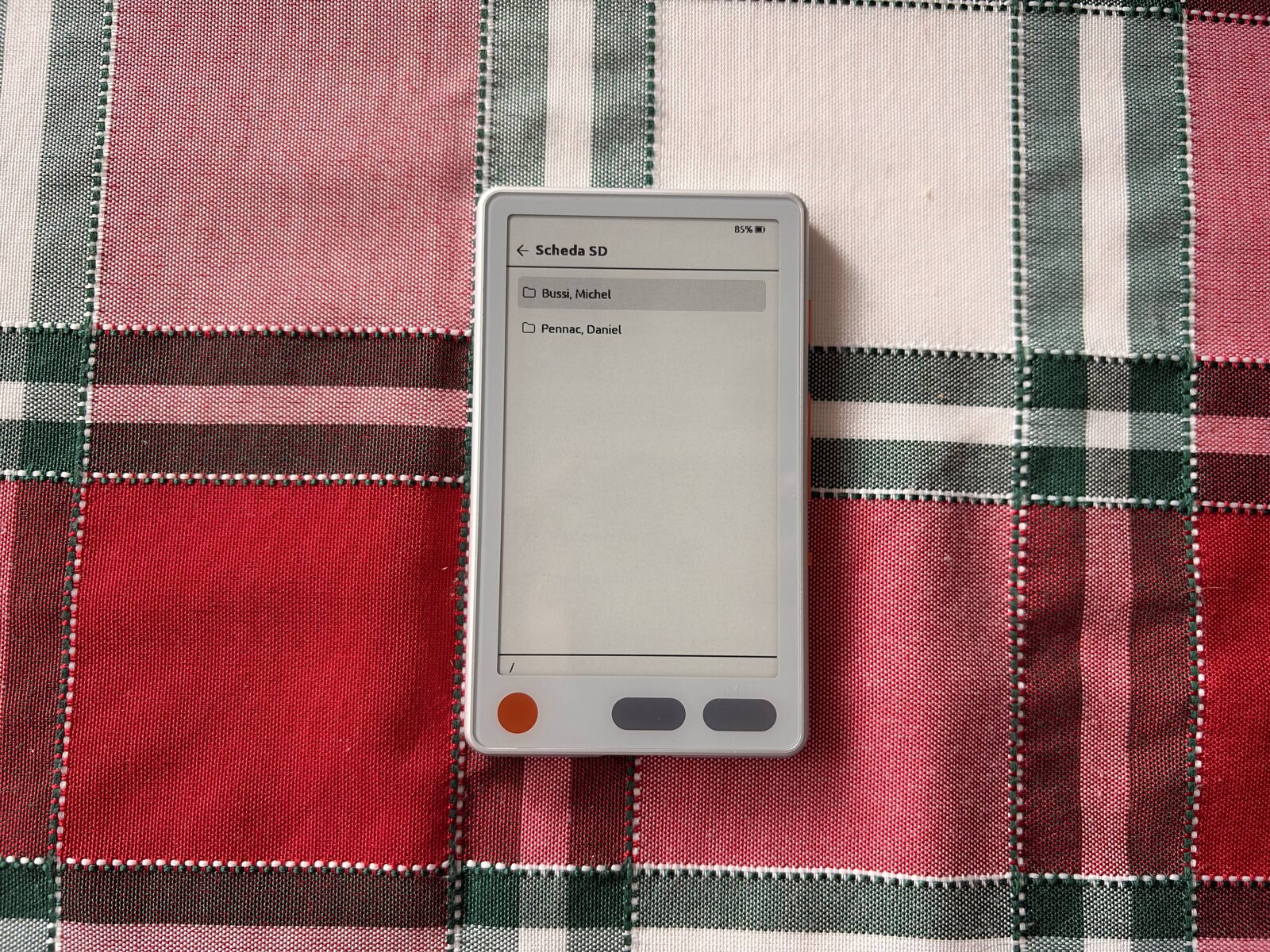
- as a USB drive, or by taking out the microSD and copying the files over from your computer.
The main format is DRM-free EPUB: there's no built-in store, you bring your own books. It's the same trade-off as the Xteink readers, and anyone buying this kind of device usually knows that already.
A note on the "AI" printed on the box. Cloud Zao's stock firmware has a voice assistant that uses the microphone and speaker, but its servers are in China, and MechDIY explained that these features aren't active outside China for now. With CrossPoint I didn't miss them: the Metalio is an e-reader, and I judged it as one.
Battery
Inside there's a 1,000 mAh battery, and you can tell. After the first few days of reading, with Wi-Fi on only to load books, the reader still showed 98%. E Ink only draws power when the page changes, so battery life depends mostly on how many pages you read and how much you use the network. With typical use, a few chapters a day, you'll rarely need to charge it. Charging is via USB-C at 5 V and 1 A.
Case and strap
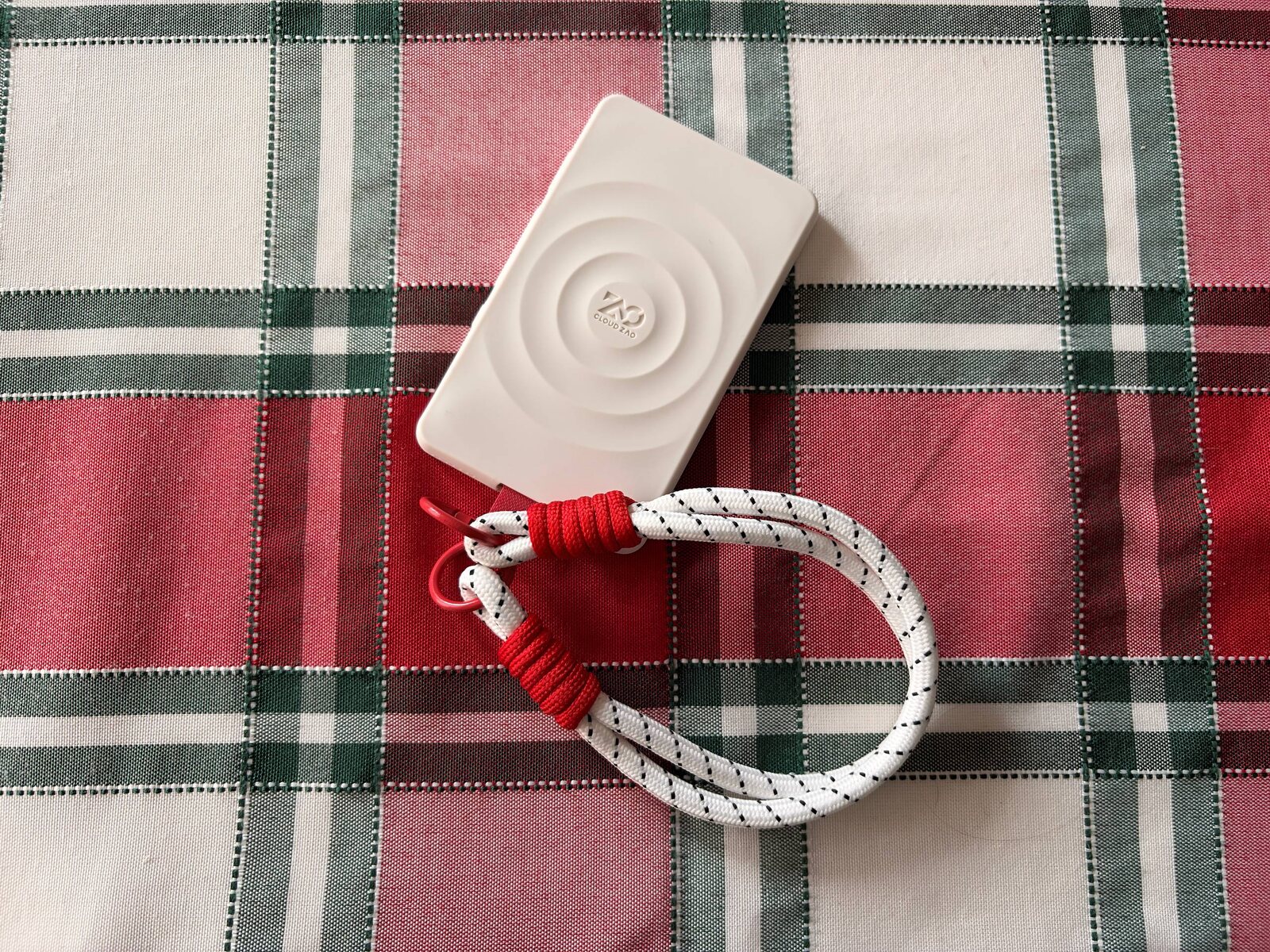
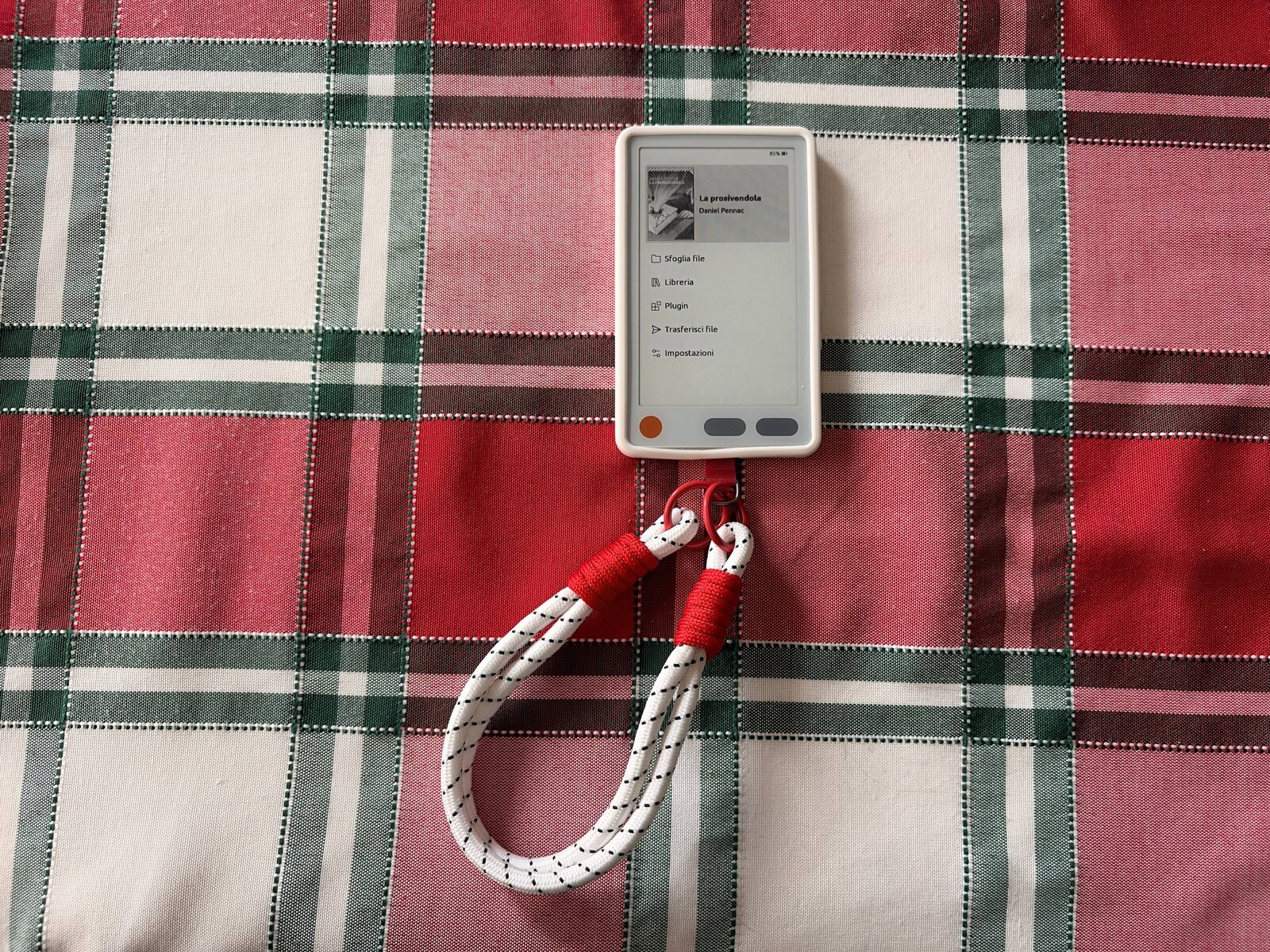
The silicone case is soft, leaves the buttons and ports accessible and has a loop for the included wrist strap. They're nice, practical accessories, especially if you want to carry the reader around without worrying about dropping it. It's one of the few areas where the bare-bones packaging redeems itself.
Technical specifications
| Display | 3.97-inch E Ink, 800 x 480 px (about 235 PPI) |
|---|---|
| Touchscreen | Yes, capacitive, with three touch buttons below the screen |
| Physical buttons | Power, confirm and volume on the side |
| Front light | None |
| Materials | Aluminium alloy frame, tempered glass |
| Dimensions | 107 x 63.7 x 6.8 mm |
| Weight | About 70 g |
| Processor | ESP32-S3, 8 MB PSRAM |
| Storage | 16 GB microSD included, expandable to 256 GB |
| Battery | 1,000 mAh |
| Charging | USB-C, 5 V 1 A |
| Connectivity | Wi-Fi 2.4 GHz |
| Firmware | CrossPoint Reader preinstalled (MechDIY build) |
| In the box | Silicone case, wrist strap |
| Price | €80.95 at MechDIY, with case and lanyard |
Metalio E-Ink 4 or Xteink?
The Xteink X4 paved the way for this category, and it's thinner, lighter and attaches to your phone with magnets. The Metalio is thicker and has no magnets, but it has a touchscreen, a higher-quality aluminium body and a slightly sharper screen. If you want a reader to clip onto your smartphone, the Xteink is still the more sensible choice. If you want a small standalone e-reader that's solid and easy to use in the menus too, the Metalio is nicer to live with every day.
Frequently asked questions
Does the Metalio E-Ink 4 have a light for reading in the dark?
No, the screen isn't lit. In the dark you need an external light, as with a paper book. Its bigger sibling, the 4.7-inch Metalio E-Ink 4 Plus, is also available with a front light.
Can I use it with Calibre?
Yes. With CrossPoint it connects to Calibre wirelessly, and it can also receive books over Wi-Fi from a browser, as a USB drive or by copying them onto the microSD.
Does it attach to a phone like the Xteink?
No, the Metalio E-Ink 4 has no magnets or MagSafe support. The box does include a silicone case and a wrist strap, though.
Can it read books bought on Amazon or Kobo?
No, it doesn't read DRM-protected files and it has no store. It reads the EPUB and TXT files you load yourself.
Do the AI features on the box work?
Not in Europe, for now. The stock firmware's voice assistant relies on servers in China, and MechDIY has disabled it outside the country. The reader ships with CrossPoint anyway, which is designed purely for reading.
The verdict
The Metalio E-Ink 4 isn't perfect: it's thicker than the Xteink readers, it doesn't attach to your phone, it has no light and it arrives in a box that does nothing to make itself memorable. But it's very well built, the screen is excellent for its size, and the mix of touch, buttons and CrossPoint makes it one of the most enjoyable mini e-readers I've used. A week in, I take it with me every day, and I'm reading more. For a device like this, there's no better compliment.
The Metalio E-Ink 4 was sent to us for review by MechDIY. The shop link is a partner link: with the code MY10 you get 10% off.
Metalio E-Ink 4
Translated from the Italian original. Read in Italian