
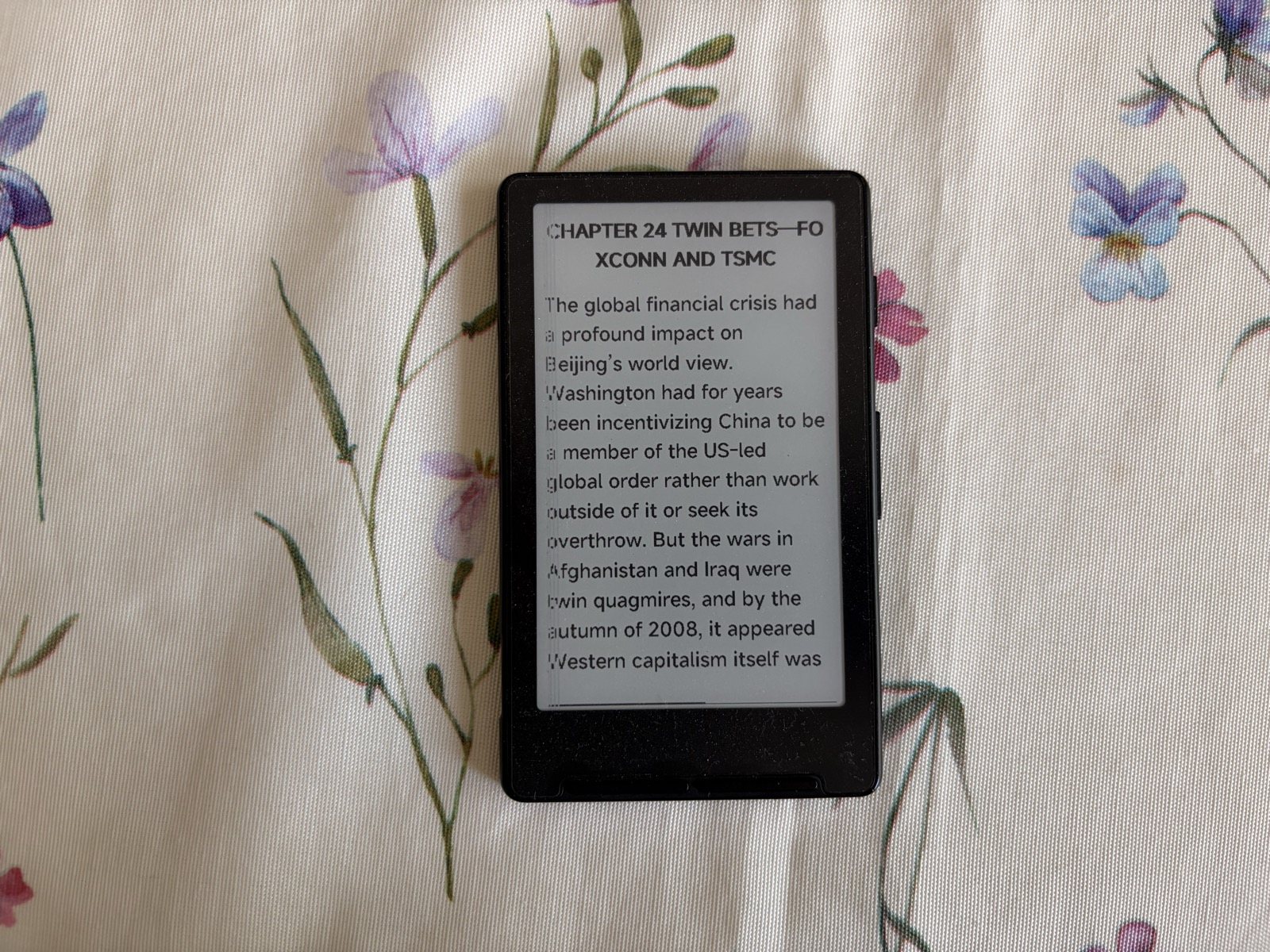
For two months I kept an ebook reader the size of a credit card stuck to the back of my phone, and it changed a habit I thought was set in stone. Every time my hand shot towards the smartphone for yet another automatic gesture, I found a page of a novel instead of social media. I read Apple in China from cover to cover on it, and for two months now I've been reading pages of books instead of scrolling. That is exactly what the Xteink X4 was made for, and at a list price of $69 it's the kind of impulse buy that's hard to regret.
It's not a Kindle, it doesn't want to be one, and it costs less than half as much. It's a small 4.3-inch E Ink screen with no touch, no backlight, two physical buttons and a magnetic mount. A deliberately spartan, at times rough-edged gadget that does just one thing and does it brilliantly: it puts back in front of your eyes the words your smartphone takes away.
At a glance
The Xteink X4 is a 4.3-inch E Ink mini e-reader with a magnetic mount, designed to help you read more and scroll less. Near-endless battery life, USB-C charging and an ecosystem (Cloud, DotInk, CrossPoint) that makes it customisable. Score: 4/5.
- Price: around $69
- Praised for: portability, battery life, price, software ecosystem
- Worth knowing: no backlight, MagSafe grip is only solid on the iPhone Air, spartan stock software
- Tested for: 2 months of real-world use
Technical specifications
| Specification | Detail |
|---|---|
| Display | 4.3-inch E Ink, 480 x 800 px (220 PPI) |
| Touchscreen | No, navigation via physical buttons |
| Backlight | None |
| Dimensions | 114 x 69 x 5.9 mm |
| Weight | 77 g |
| Storage | 16 GB microSD included, expandable to 256 GB |
| Formats | EPUB, TXT, JPG, BMP |
| Battery | 650 mAh, up to about 14 days of battery life |
| Charging | USB-C |
| Connectivity | Wi-Fi 2.4 GHz, Bluetooth |
| Processor | ESP32 |
| Mount | Magnetic, MagSafe and Qi2 compatible, rings included |
| Price | $69, about €69 |
Design and what's in the box
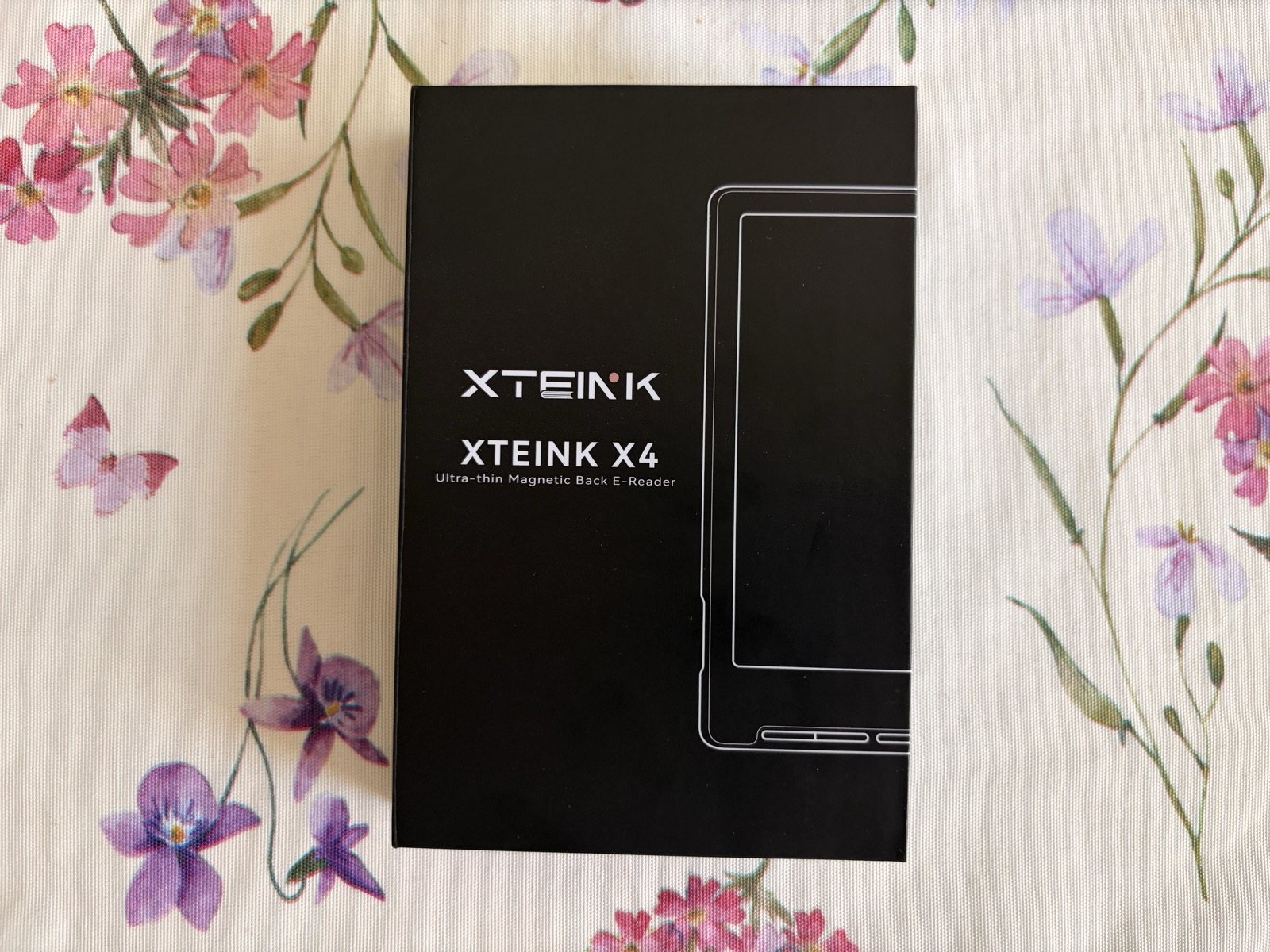
The box holds the essentials and nothing superfluous: the reader, a quick-start guide, the 16 GB microSD card, a matte screen protector already applied and two adhesive magnetic rings to stick on your phone or its case. There's no charger, but with an E Ink screen that lasts two weeks that's hardly a problem.
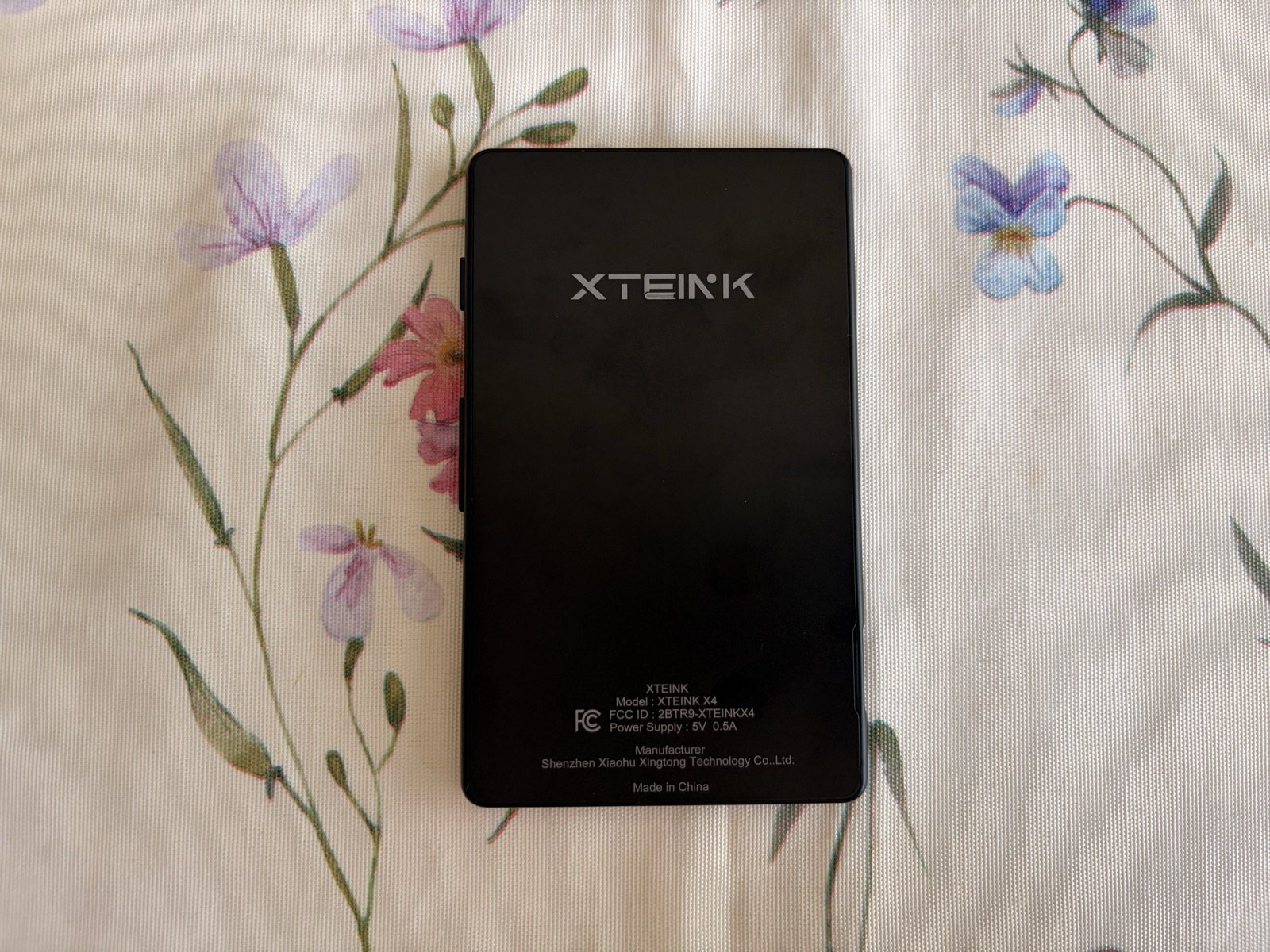
In the hand the X4 feels almost like a toy, and that's a compliment. It weighs 77 grams, it's less than six millimetres thick and it slips into a shirt pocket without being noticed. It's very easy to carry and, above all, impossible to forget: you keep it attached to the back of your phone and it's always with you. The plastic shell is solid, if a touch slippery, and the lower edge houses the main buttons. On the magnetic mount, though, I have to be honest: in my use the X4 only really sticks well to the iPhone Air. On every other iPhone the MagSafe magnet doesn't hold properly, thanks to the protruding camera bumps and the reader's mass, and you end up carrying it loose in your pocket. If the idea is to keep it attached to the back of your phone all the time, that's a limitation worth knowing about before you buy.
Display: small, but honest
The 4.3-inch, 220 PPI screen doesn't play in the same league as the 300 PPI of premium readers. Text looks slightly softer, and anyone coming from a Kindle Paperwhite will notice. That said, for reading novels and essays without pictures the sharpness is more than enough, and the paper-like effect typical of E Ink is as restful on the eyes as any electronic-ink screen. Paradoxically, the small screen has an upside too: it forces you to turn the page all the time, and that brisk rhythm helps keep your brain hooked on the text.
The real limitation is just one: no lighting at all. No front light, so you can't read in the dark. The good news is that it's fixed for a few euros with a small clip-on or magnetic light: there are models designed for exactly this, featherlight, taking up almost no space and clipping onto the reader or the phone. In my case it has become the definitive solution for reading in bed without disturbing anyone.
Buttons and navigation
With no touchscreen, everything goes through the physical buttons below the screen and on the side. The tactile response is surprisingly good: every press is crisp and satisfying. The catch is that the buttons carry no labels and do different things depending on context: in the first few days you often press the wrong one. After a week the movement becomes automatic, but the initial learning curve is there and you should factor it in.
Software, cloud and customisation: this is where the X4 comes alive
The original firmware, on its own, is the weakest point: it works but it's bare-bones, with rough handling of hyphens, indents and drop caps, margins you can't adjust and no dictionary. For a straightforward novel it's fine; for carefully formatted texts it starts to creak. What makes the difference, though, is the ecosystem and the community, and that's where the X4 changes face.
Xteink Cloud. The official cloud service (Xteink Cloud) is the most convenient way to manage everything: from your browser you send books and articles to the reader over Wi-Fi, organise your library and keep your content tidy without plugging in a cable. Together with the official Xteink app it has become my daily workflow for loading new reads in a matter of seconds.
DotInk. To fix the layout I tried the app DotInk: EInk Assistant, and it solved the two biggest annoyances of the stock firmware: fonts and indentation. It lets you convert .ttf typefaces and optimise them for electronic ink, adjusting size, line spacing, letter spacing and indents with a real-time preview of how they will look on screen. After using it, the text on the X4 is finally clean and properly set.
CrossPoint. For those who want to go further there's the open-source firmware CrossPoint, which rewrites menus, formatting, on-screen button labels and file transfer. It takes a little technical know-how, but it turns the X4 into a truly polished device.
Battery life: practically endless
Here the X4 doesn't disappoint at all. The 650 mAh cell, paired with a screen that only draws power when the page changes, comfortably lasts two weeks with one to three hours of reading a day. In real use battery life feels almost endless: the days go by and the indicator doesn't move. Charging is via USB-C, the standard everyone already has at home, and that's a tangible advantage over its little brother, the X3.
How you really use it: the anti-scroll weapon I gave to half my family
The point of this object isn't in the specs but in the habit it builds. Keep it attached to your phone and it becomes the first thing your fingers meet when the distraction reflex kicks in: you make reading more immediate than scrolling, and the brain takes the nearest route. It works so well that I gave several X4s as birthday presents to my brother and a few friends, and they all loved it, even those who weren't big readers. It's the kind of object that wins you over through use, not through talk.
Customer service: slow but serious
A note I feel I should add, because with a small brand it's fair to have doubts: Xteink's customer service behaves well. One of my X4s arrived with a broken screen. Replies weren't lightning-fast and sometimes you need patience, but once they had verified the problem they took care of everything and shipped me the replacement with no fuss. For an online purchase from a niche brand, that's a guarantee worth underlining.
Xteink X4 vs Xteink X3
| Feature | X4 | X3 |
|---|---|---|
| Screen size | 4.3 inches | 3.7 inches |
| Resolution | 220 PPI | 259 PPI |
| Weight | 77 g | 58 g |
| Thickness | 5,9 mm | 5,1 mm |
| Charging | USB-C | Magnetic pogo pin |
| NFC and gyroscope | No | Yes |
| MagSafe mount | Excellent only on iPhone Air | Perfect on all iPhones |
| Price | $69 | $79 |
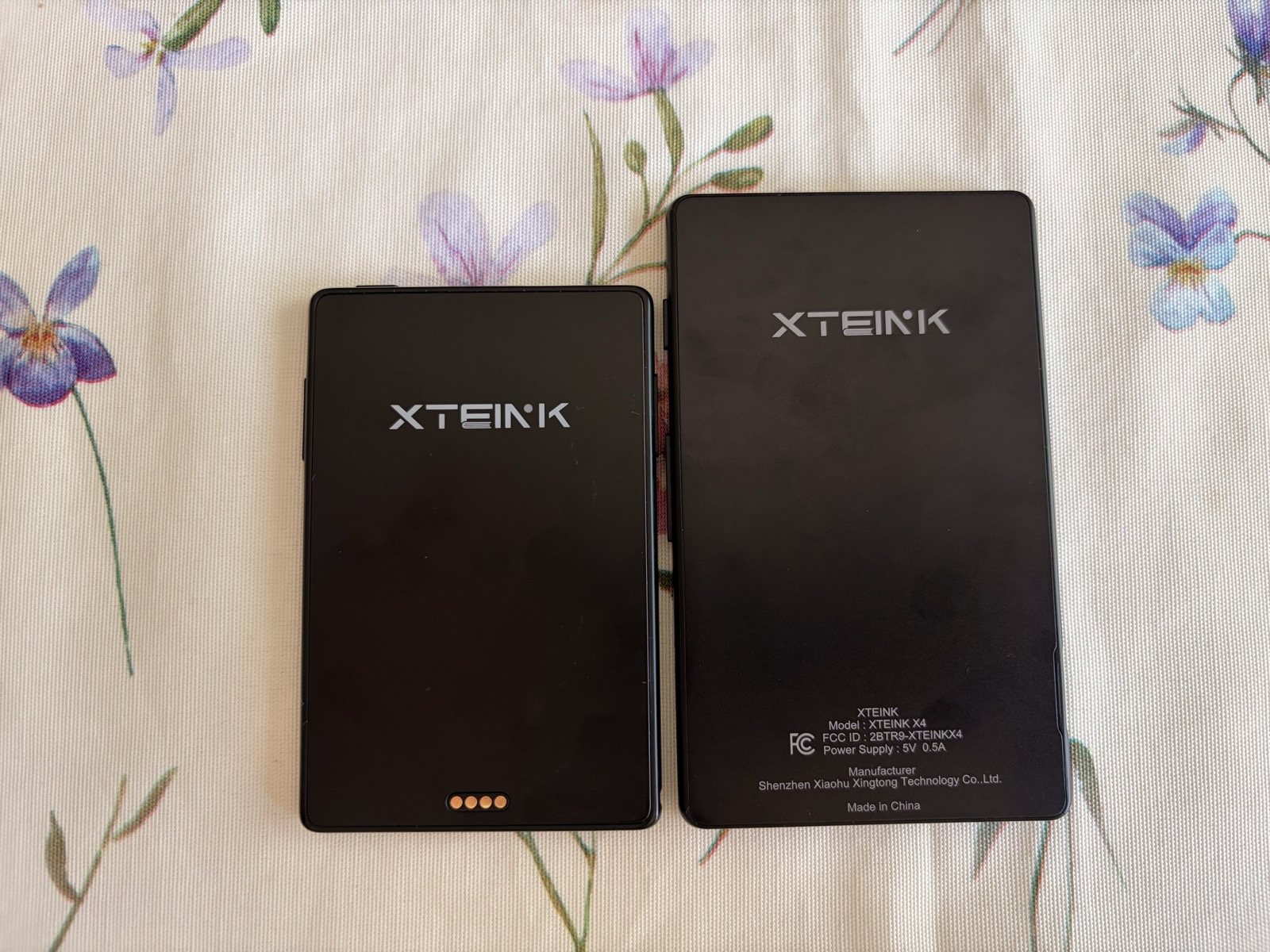
In short: the X4 has the bigger screen and the convenience of USB-C, while the X3 is smaller, lighter and sharper but charges with a proprietary magnetic cable. After two months with the X4 I actually moved to the X3, and thanks to the weight I get on even better with it, but as a first purchase and as a gift the X4 remains the most foolproof choice.
Who it's for (and who it isn't)
The X4 is perfect for digital minimalists, for anyone who wants to win back their attention from the infinite scroll and for anyone after an original, inexpensive tech gift. It's not the right choice, however, for those who demand a touchscreen, look for a built-in dictionary and highlighting, or want a polished, ready-to-use experience without ever touching apps and settings.
Pros and cons
| ✅ PROS | ❌ CONS |
|---|---|
| Compact and light (77 g, fits in a pocket) | No backlight (fixable with a magnetic light) |
| Huge battery life (about two weeks) | Bare-bones stock software (rough formatting) |
| USB-C charging (universal standard) | 220 PPI (softer text than rivals at 300 PPI) |
| Magnetic mount (excellent on iPhone Air) | Unlabelled buttons (initial learning curve) |
| Cloud, DotInk and CrossPoint (total customisation) | No DRM or store (only EPUB and TXT loaded by hand) |
| Impulse-buy price ($69) | Support not the quickest (but always sorts it out) |
Final verdict
| Category | Score |
|---|---|
| Design and portability | ★★★★☆ 4.5/5 |
| Display | ★★★☆☆ 3.5/5 |
| Software and ecosystem | ★★★★☆ 4/5 |
| Battery life | ★★★★★ 5/5 |
| Value for money | ★★★★☆ 4.5/5 |
Where to buy
The Xteink X4 costs around $69 on the official store and on Amazon, often on offer for under $60.
Check price on Amazon.it Go to the official Xteink storeConclusion
The Xteink X4 is a deeply flawed and equally irresistible device. The stock software is unpolished and the screen isn't the sharpest around, but with Xteink Cloud, DotInk: EInk Assistant and CrossPoint it turns into a made-to-measure pocket reader, with near-endless battery life and a habit, reading instead of scrolling, that after two months I haven't dropped. If you're willing to give it a little attention, it pays you back with interest. And it makes a great gift, too.
Frequently asked questions
Does the Xteink X4 have a backlight?
How do I load books and customise it?
Can I read Kindle books with DRM?
How do I charge it and how long does it last?
Read also
- Xteink X3 Review: the world's smallest E Ink reader, within reach of your iPhone
- FRITZ!Box 6825 4G Review: the pocket 4G router with Wi-Fi 6 and USB-C
Review based on two months of hands-on use and on analysis of the main international tech sources. SpazioiTech may receive a commission on purchases made through the links on this page, at no extra cost to you.
Translated from the Italian original. Read in Italian


