
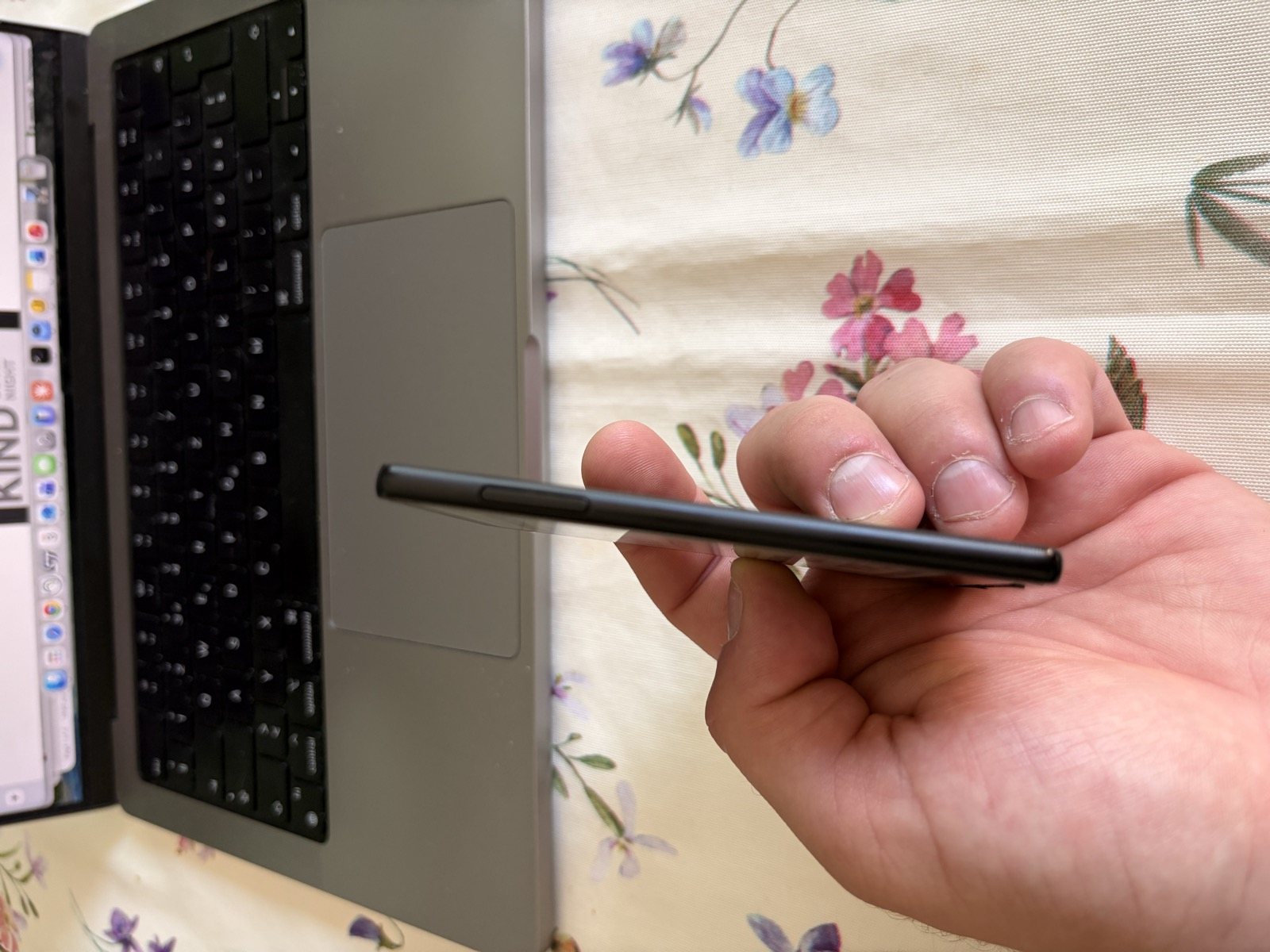
After two months with the Xteink X4 in my pocket, I did something I didn't expect: I switched to the Xteink X3, smaller still, and I'm even happier with it. The reason is a single but decisive one: weight. At 58 grams and 5.1 millimetres thick, the X3 is the tiniest E Ink ebook reader I've ever held, and that extra bit of lightness genuinely changes the one-handed reading experience.
The promise is the same as the X4's, read more and scroll less, but here everything has been pushed a step further towards the miniature: a 3.7-inch screen, a MagSafe mount on the back of the iPhone, NFC and a gyroscope. I carried it in my pocket alongside my phone and my reading never stopped. The question isn't whether it's adorable, it undeniably is, but whether a screen this small and a proprietary charging cable are acceptable compromises. Spoiler: yes, with a few asterisks.
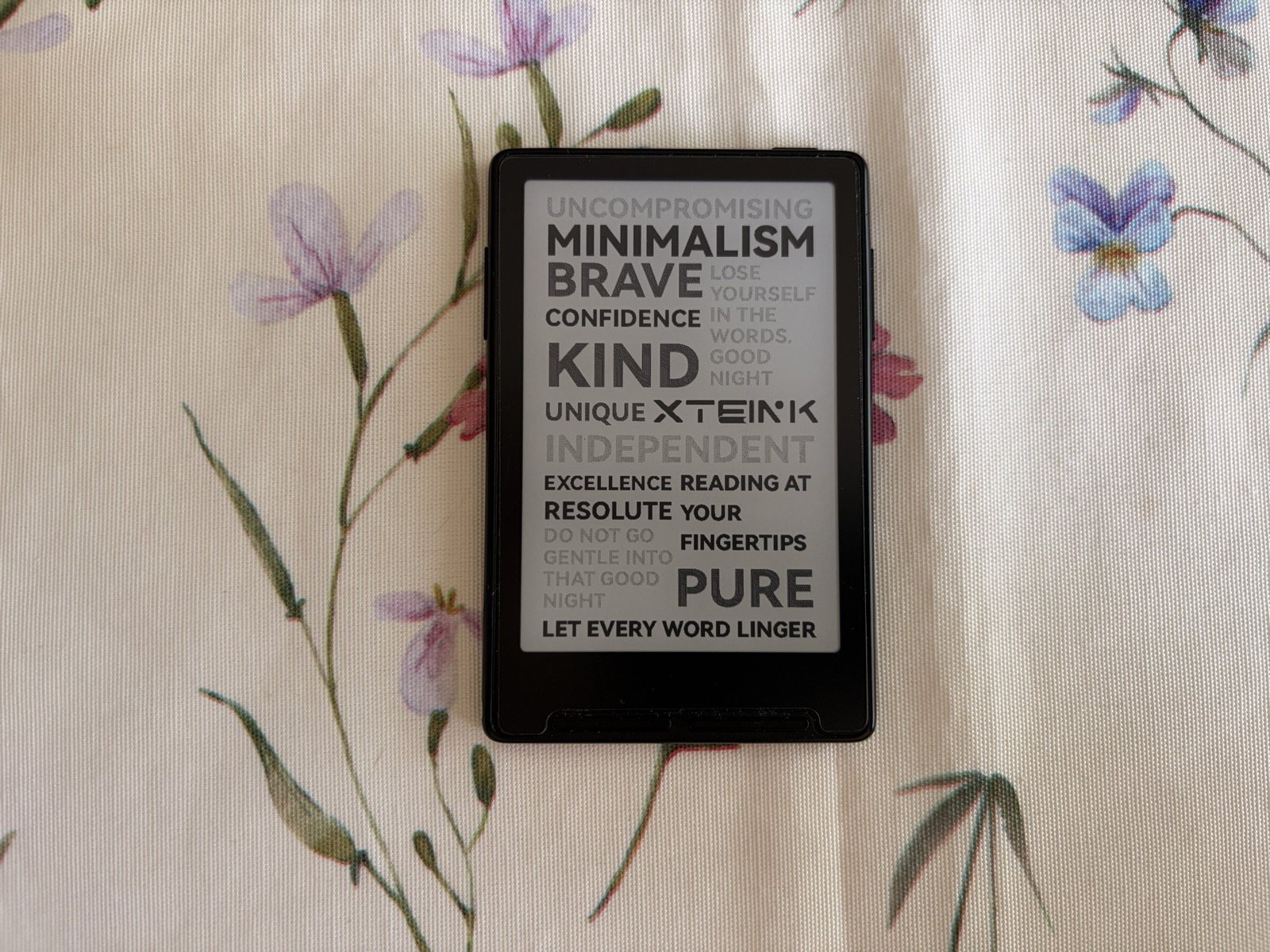
At a glance
The Xteink X3 is the smallest and lightest E Ink reader around (58 g, 3.7 inches, 259 PPI), with a MagSafe mount that works perfectly on every iPhone. Sharp screen and weeks of battery life; the only real drawback is the proprietary pogo-pin charging. Score: 4/5.
- Price: around $79
- Praised for: record-breaking lightness, sharp screen, MagSafe, NFC and gyroscope
- Worth knowing: pogo-pin charging (no USB-C), no backlight, no Libby/Kindle
- Tested for: real-world use after 2 months with the X4
Technical specifications
| Specification | Detail |
|---|---|
| Display | 3.7-inch E Ink, 480 x 800 px (259 PPI) |
| Touchscreen | No, physical page-turn buttons |
| Backlight | None |
| Dimensions | 97,6 x 63,7 x 5,1 mm |
| Weight | 58 g |
| Storage | 16 GB microSD included, expandable to 256 GB |
| Formats | EPUB, TXT, JPG, BMP |
| Battery | 650 mAh, up to 10 hours of reading |
| Charging | Magnetic pogo pin, cable included |
| Connectivity | Wi-Fi 2.4 GHz, Bluetooth, NFC |
| Extras | Gyroscope, NFC |
| Processor | ESP32 |
| Colours | Space Black, Mist Gray, Frost White |
| Price | $79, about €79 |
Design and what's in the box
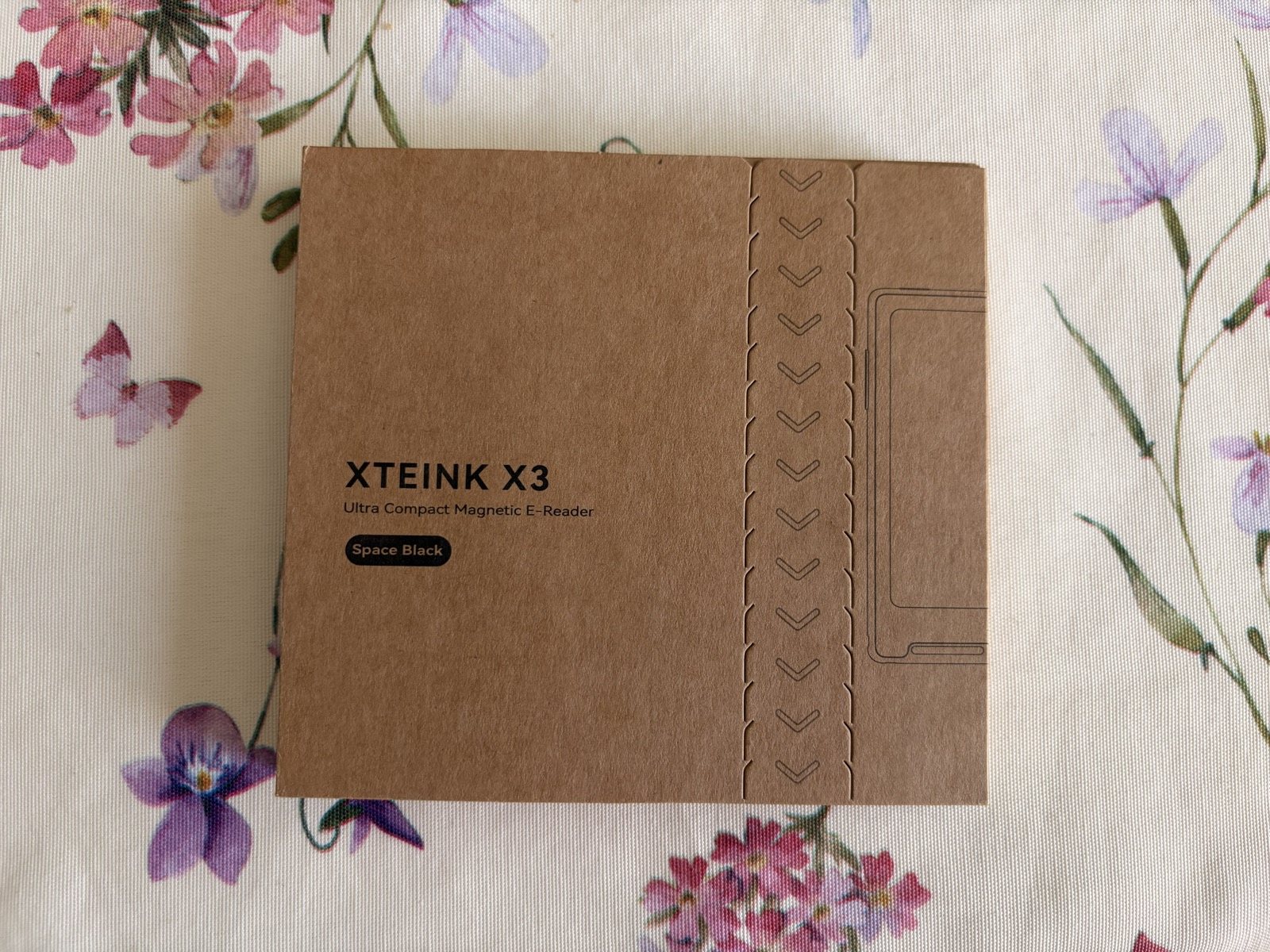
The package is generous for such an inexpensive product: the reader, two adhesive magnetic rings, the magnetic charging cable, a card reader, the 16 GB microSD card, the matte screen protector and the quick-start guide. Sold separately is a dedicated protective case at around $9, which is worth adding.
Its absolute strength is miniaturisation. At 58 grams and barely more than half a centimetre thick, the X3 vanishes into a pocket and makes one-handed reading truly effortless: that's exactly why, after the X4, I never went back. The MagSafe mount is one of its strong points: unlike the X4, which in my use only stuck well to the iPhone Air, the X3 attaches perfectly, with a firm click, to practically every iPhone, thanks to its low weight and thickness. I tried it on an iPhone 16 without the slightest doubt. Some people, after the first few days, still prefer to keep it loose in their pocket, but grip is never a problem.
Display and reading
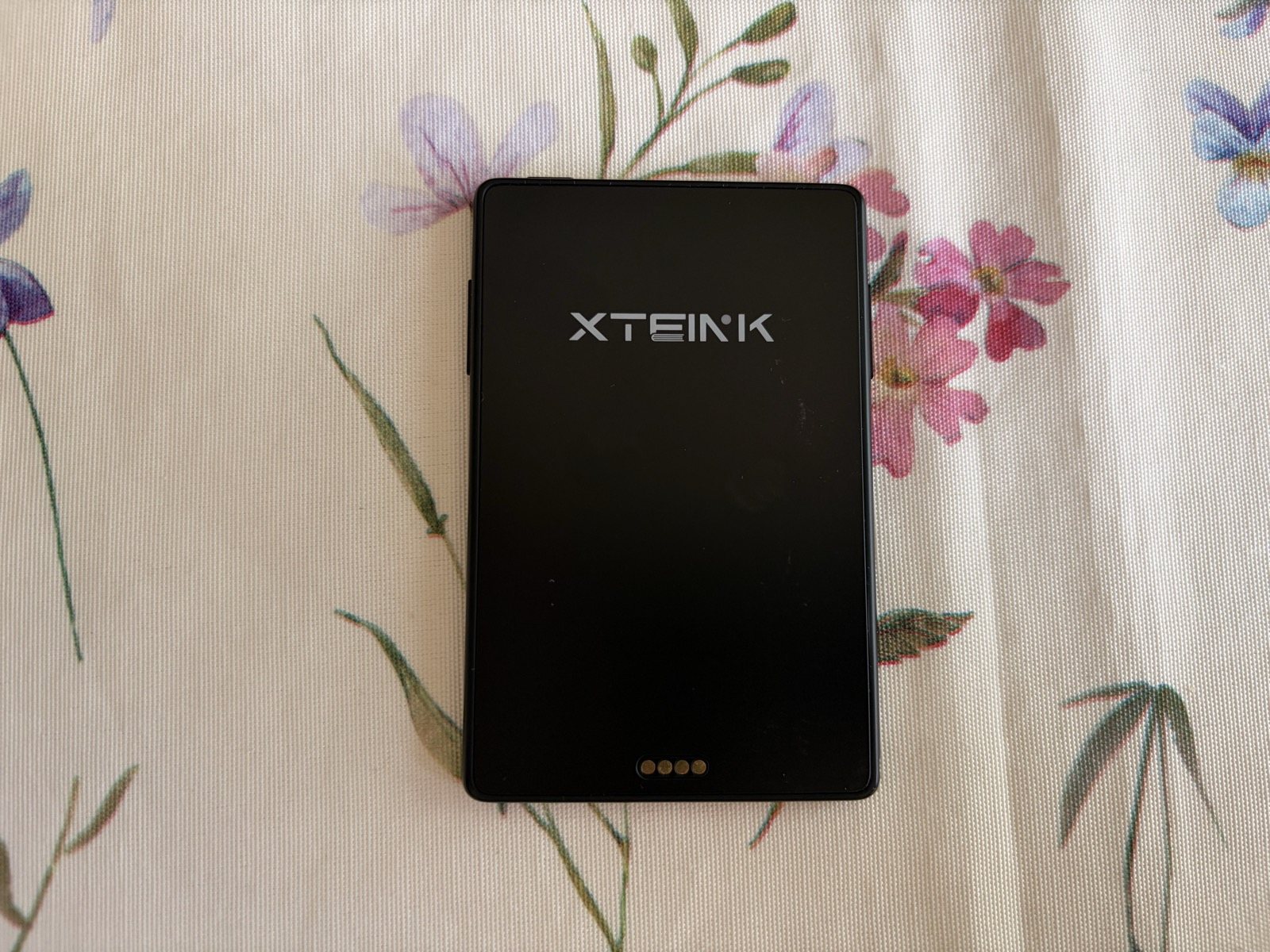
The 3.7-inch, 259 PPI screen is sharper than the X4's, and it shows: characters are better defined despite the smaller diagonal. The fear, a legitimate one, was that such a small display would tire the eyes or force you to turn the page every three lines. In practice it turned out to be surprisingly readable and not tiring at all, even in long sessions. The limitation common to the whole family remains: no front light. Here too the solution is a small magnetic or clip-on light, featherlight and unobtrusive, which lets you read in the dark without giving up portability.
Buttons, not touch
Once again, no touchscreen. What's new are the physical page-turn buttons, which also double as menu navigation. Once you get the hang of it it feels natural and lets you read one-handed, thumb on the button. The presence of NFC and a gyroscope, both missing on the X4, is a bonus that opens the door to a few automations and to automatic rotation.
Software, cloud and customisation
The software story mirrors its sibling's. The stock firmware works for reading, but it's not very fluid and formatting options are limited. Fortunately the ecosystem around the X3 is the same one that won me over on the X4, and that's where the device gives its best.
Xteink Cloud. With Xteink Cloud I send books and articles to the reader over Wi-Fi from my browser, organise my library and manage content without cables. Together with the official Xteink app it's the quickest way to always have new reads ready.
DotInk. For the layout I used DotInk: EInk Assistant again: it converts .ttf fonts and optimises them for E Ink, with fine control over size, line spacing, letter spacing and above all indentation, all with a real-time preview. It's the tool that makes the text genuinely clean even on the X3's small screen.
CrossPoint. And for anyone who wants to rewrite the experience from scratch, there's always the open-source firmware CrossPoint, which improves menus, usability and file transfer. It takes a little technical know-how, but you can feel the leap in quality.
Battery life and charging
Battery life is simply off the scale for its size. The 650 mAh cell claims up to 10 hours of reading, but in real use, made up of short, frequent sessions, it lasts a very long time: after two weeks of constant use the battery had dropped by only a handful of percentage points. The snag, and there is one, is charging: not USB-C but a magnetic pogo-pin cable, included in the box. It's not a proprietary standard in the strict sense, but it's unusual enough to make losing the cable a real worry. On a device born to live in your pocket and travel, a universal port would have been more reassuring.
The anti-doomscrolling effect
The only real yardstick for this object is one: does it genuinely help you disconnect from social media? My experience, by now two months long between the X4 and the X3, says yes. It isn't a miracle cure: if you don't make a conscious effort to pick it up instead of the phone, it remains a trinket. But if you give it a chance, the reduced friction, you already keep it attached to the back of your phone, does the rest of the work, and you genuinely save yourself a bit of time lost on social media.
Customer service: slow but it sorts things out
With the X3 too I hit a snag, and here too Xteink's customer service behaved well. My unit initially wouldn't read the SD card. Replies weren't immediate and you need a bit of patience, but once they had verified the problem they took care of everything and shipped me the replacements. For a niche brand you buy online, knowing there's support behind it that won't let you down is real value.
Xteink X3 vs Xteink X4
| Feature | X3 | X4 |
|---|---|---|
| Screen size | 3.7 inches | 4.3 inches |
| Resolution | 259 PPI | 220 PPI |
| Weight | 58 g | 77 g |
| Thickness | 5,1 mm | 5,9 mm |
| Charging | Magnetic pogo pin | USB-C |
| NFC and gyroscope | Yes | No |
| MagSafe mount | Perfect on all iPhones | Excellent only on iPhone Air |
| Price | $79 | $69 |
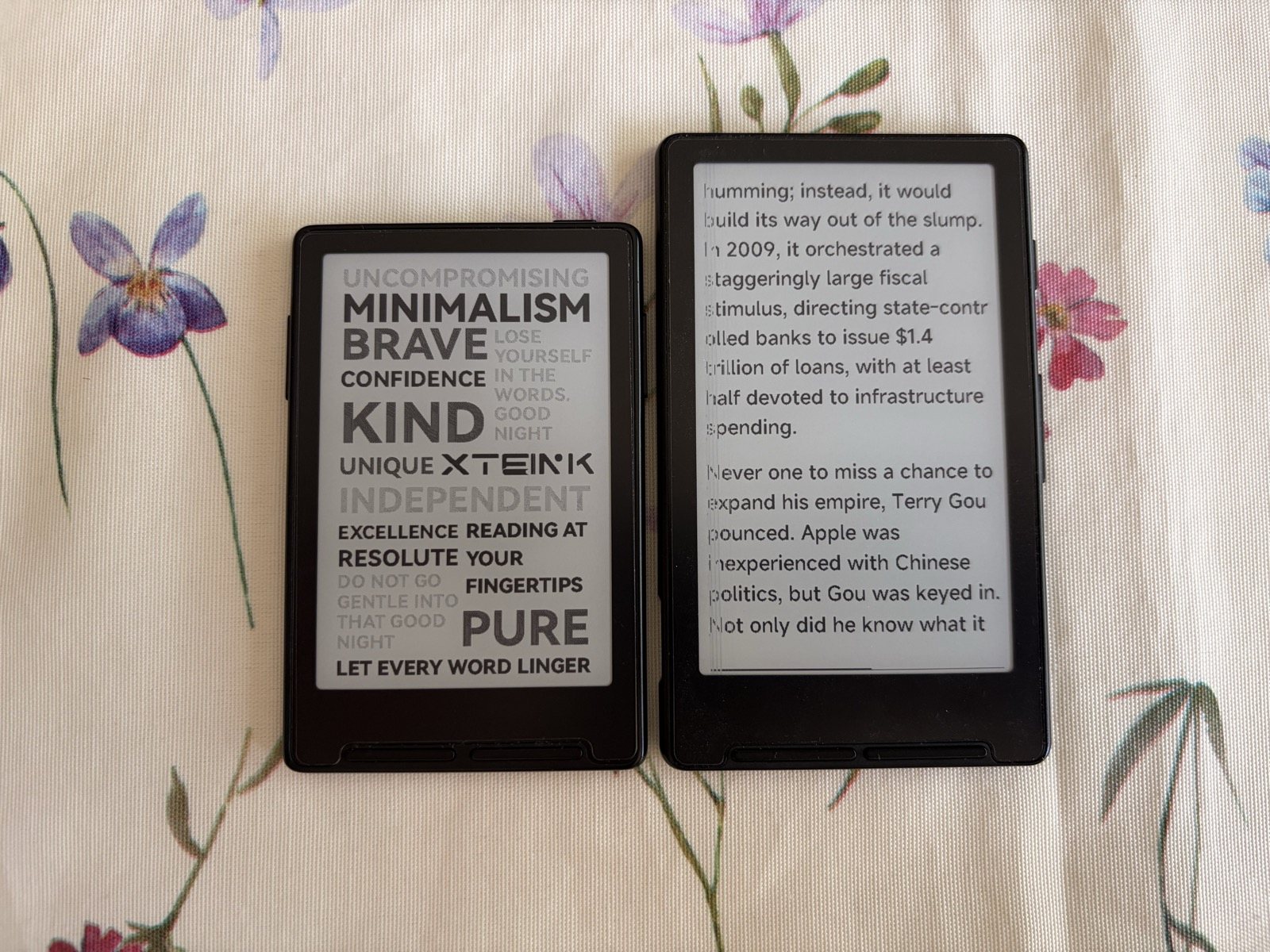
The X3 is the more refined of the two in its form factor: smaller, lighter, sharper, with NFC and a gyroscope thrown in. It does pay for that with the proprietary cable and a slightly higher price. The X4, with its more generous screen and USB-C, remains the more practical and loss-proof choice. Having used both, I now keep the X3 in my pocket precisely for the weight, but I understand those who prefer the X4's charging convenience.
Who it's for (and who it isn't)
The X3 is the ideal companion for anyone after the most pocketable reader possible, who loves iPhones with MagSafe and isn't afraid to tinker with the cloud and apps to optimise reading. Avoid it, however, if you want access to digital libraries like Libby or to the Kindle stores, or if the idea of a special charging cable you mustn't lose makes you wince.
Pros and cons
| ✅ PROS | ❌ CONS |
|---|---|
| Tiny and featherlight (58 g, 5.1 mm) | Proprietary charging (pogo pin, no USB-C) |
| Sharp screen (259 PPI) | No backlight (fixable with a magnetic light) |
| Flawless MagSafe (perfect on iPhones) | Stock firmware not very fluid |
| Exceptional battery life (weeks of use) | No Libby or Kindle (only EPUB and TXT) |
| Cloud, DotInk and CrossPoint (total customisation) | Cable you mustn't lose (unusual format) |
| NFC and gyroscope (extras compared with the X4) | Support not the quickest (but always sorts it out) |
Final verdict
| Category | Score |
|---|---|
| Design and portability | ★★★★★ 5/5 |
| Display | ★★★★☆ 4/5 |
| Software and ecosystem | ★★★★☆ 4/5 |
| Battery life | ★★★★★ 5/5 |
| Charging | ★★★☆☆ 3/5 |
Where to buy
The Xteink X3 costs around $79 on the official store, often sold out given the demand, and on the main marketplaces.
Check price on Amazon.it Go to the official Xteink storeConclusion
The Xteink X3 is the most extreme version of the idea: the smallest, lightest E Ink reader you could wish for, with a sharp screen and a magnetic mount that makes it one with your smartphone. It isn't perfect, the stock firmware takes some getting used to and the proprietary cable is a debatable choice, but with Xteink Cloud, DotInk: EInk Assistant and CrossPoint it becomes a made-to-measure reading companion. After two months between the X4 and the X3, it's this little 58-gram fellow that has stayed in my pocket. If you meet it halfway, it repays you with interest.
Frequently asked questions
Does the Xteink X3 charge via USB-C?
Can I read Libby books or Kindle ebooks?
How do I fix fonts and layout?
Can you read in the dark?
Read also
- Xteink X4 Review: the pocket-sized E Ink mini e-reader that fights doomscrolling
- FRITZ!Box 6825 4G Review: the pocket 4G router with Wi-Fi 6 and USB-C
Review based on hands-on use and on analysis of the main international tech sources. SpazioiTech may receive a commission on purchases made through the links on this page, at no extra cost to you.
Translated from the Italian original. Read in Italian


